

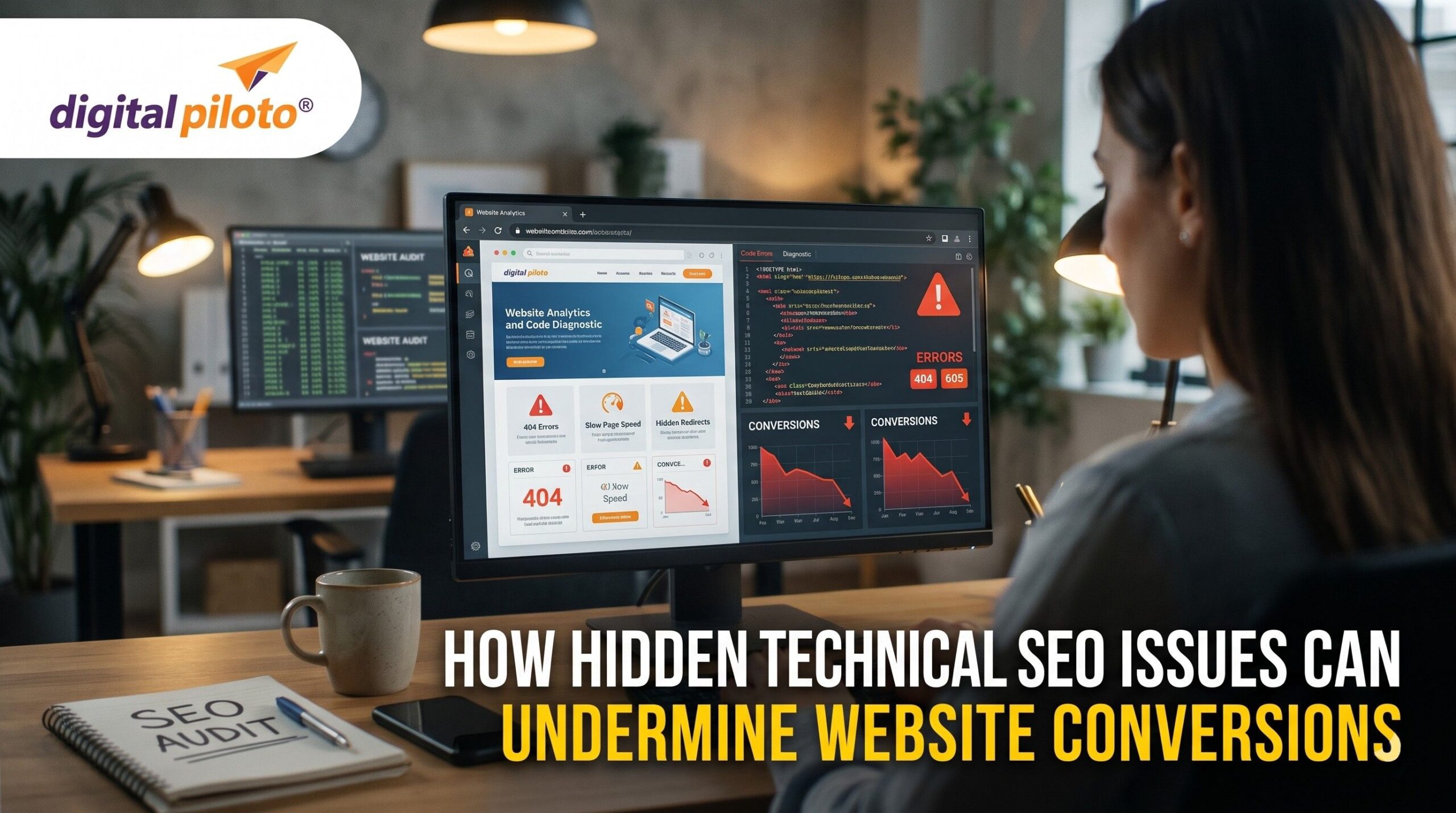
Your website may attract organic traffic, rank for valuable keywords, and look polished on a desktop screen, yet enquiries and sales remain stubbornly low. The reason is not always weak content or an unconvincing offer. Sometimes, small technical problems quietly interrupt the customer journey, creating friction that visitors experience long before your analytics reveal what went wrong.
For businesses working with a digital marketing company in India, identifying these hidden barriers is an important part of sustainable online growth. Technical SEO is not just about helping search engines understand a website; it also helps ensure that people can access, navigate, and use it without unnecessary frustration.
Why Technical SEO Matters Beyond Rankings
Technical SEO usually brings crawling, indexing, website speed, mobile usability, and structured data to mind. These elements influence how search engines access and interpret your pages. But their effects do not stop at search visibility.
Imagine a potential customer searching for a service, finding your website, and clicking through with genuine interest. The page takes several seconds to become usable. A form shifts unexpectedly while loading, or the main call-to-action button does not respond. That visitor may leave without enquiring, even if your service is exactly what they need.
This is where technical SEO and conversion rate optimization (CRO) intersect. CRO focuses on helping visitors complete meaningful actions, while technical SEO addresses the underlying conditions that can support or disrupt those actions. A technically sound website will not automatically convert everyone, but hidden technical problems can make an otherwise persuasive page unnecessarily difficult to use.
1. Slow Pages Can Drain Buying Intent
Website speed is more than a technical score. It shapes how quickly visitors can evaluate an offer, compare products, or reach an enquiry form. When a page responds slowly, people may lose patience before they even see the information that makes your business worth contacting.
The issue is not always the entire website. A homepage might load reasonably well while a service page struggles because of large images, third-party scripts, tracking tools, or an overloaded page builder. Checkout pages can be particularly sensitive because several systems may need to work together.
Google’s Core Web Vitals guidance identifies three important aspects of user experience: loading performance, responsiveness, and visual stability. Google’s recommended thresholds for a good experience are:
- Largest Contentful Paint (LCP): 2.5 seconds or less, indicating that the main content loads promptly.
- Interaction to Next Paint (INP): 200 milliseconds or less, indicating that the page responds promptly to interactions.
- Cumulative Layout Shift (CLS): 0.1 or less, indicating that the layout remains visually stable.
These thresholds are assessed at the 75th percentile of page visits. They are useful diagnostic targets, not guarantees of better rankings or conversions.
How to identify and fix performance problems
Start with important landing pages, product pages, and enquiry journeys rather than trying to optimize every URL at once. Use PageSpeed Insights to examine performance opportunities and, where available, real-user data. Compress oversized images, remove unnecessary scripts, improve caching, and investigate server response times.
After making changes, test the actual customer journey on mobile and desktop. A better score is useful, but a page that loads quickly and allows visitors to complete their task is the real objective.
2. Mobile Usability Problems Create Friction
Many businesses review their websites on large office monitors and assume the experience is consistent everywhere. Unfortunately, a page that looks elegant on desktop can become awkward on a phone, where visitors have less screen space and often navigate with their thumbs.
Consider a prospective customer trying to request a quotation during a commute. The form fields are too narrow, the phone number is difficult to tap, and a floating banner covers the submit button. None of these issues necessarily looks serious in a standard SEO audit, but together they can derail an enquiry.
Check important pages for problems such as:
- Buttons that are difficult to tap or sit too close together.
- Forms that require excessive scrolling or trigger awkward keyboard behaviour.
- Text that is difficult to read without zooming.
- Pop-ups or sticky elements that obscure essential content.
- Layouts that overflow horizontally or shift as elements load.
Use real devices where possible, or test different screen sizes with browser developer tools. Then complete the journey yourself: open the page, understand the offer, fill out the form, and confirm that the submission succeeds. Do not assume that a page is usable simply because it technically renders on mobile.
3. Broken Forms and Buttons Can Lose Qualified Leads
Few technical problems are more frustrating than a form that appears to work but fails when someone submits it. A visitor may enter their contact details, click the button, and receive no confirmation. They might try again, abandon the process, or assume your company is unresponsive.
These failures can be difficult to detect because the rest of the website may function normally. Problems can arise from validation errors, expired sessions, JavaScript conflicts, server-side failures, CAPTCHA settings, or integrations with a CRM or email platform.
Test the complete conversion path
Do not limit testing to whether a button looks clickable. Check whether each action produces the expected result. For lead-generation websites, submit test enquiries and confirm that the information reaches the intended inbox or CRM. For online stores, test cart updates, checkout steps, payment responses, and order confirmations using an appropriate test environment.
Pay attention to error messages. If a visitor makes a small mistake, the form should explain how to correct it rather than clearing all entered information or displaying an unclear technical warning.
It is also worth checking analytics events. If a form submission is recorded when someone merely clicks the button, your conversion reports may look healthier than the actual business results. Track successful completions wherever possible, and compare analytics with genuine leads or orders.
4. Indexing and Canonical Errors Can Send the Wrong Visitors
Not every technical SEO problem directly interrupts a conversion. Some reduce the quality or quantity of visitors reaching your website in the first place.
For example, a valuable service page may accidentally carry a noindex directive, preventing its inclusion in Google’s index. A canonical tag may point to the wrong URL, or a redirect may send searchers to a generic page instead of the service they intended to find.
These problems can reduce opportunities to reach people with strong purchase intent. Even if the website converts visitors well, it cannot benefit fully from a relevant page that searchers cannot find.
Use Google Search Console’s Page indexing report and URL Inspection tool to investigate important URLs. Check the page’s indexability, canonical signals, response status, and internal links. Google’s canonical URL guidance explains how to handle duplicate or similar pages.
Be careful not to treat every excluded URL as an error. Filter pages, duplicate variations, and utility URLs may be intentionally excluded. Focus on pages that should attract organic visitors and support a clear business goal.
5. Technical Errors Can Undermine Trust
Visitors rarely distinguish between a technical defect and poor customer service. If a page displays an error, a security warning appears unexpectedly, or a booking process breaks, people may question whether the business itself is reliable.
Broken images, expired certificates, intrusive interstitials, outdated redirects, and inconsistent navigation can all weaken confidence. The effect may be especially significant for businesses asking visitors to share personal information or make a payment.
Trust is also affected by what happens after the conversion. If a form says an enquiry was submitted but the business never receives it, the technical failure becomes an operational problem. Reliable notifications, working integrations, and clear confirmation messages are therefore part of the broader conversion experience.
A best SEO agency in India should look beyond crawl errors and keyword rankings to examine whether technical weaknesses are interfering with the visitor journey. A healthy website should support both discoverability and dependable interactions.
Build a Practical Technical SEO and CRO Audit
When time and resources are limited, prioritization matters. Start with the pages most closely connected to revenue rather than treating every technical warning as equally urgent.
- Identify high-value journeys. Select key service pages, product pages, quote forms, booking pages, and checkout steps.
- Look for measurable friction. Review performance reports, Search Console, analytics funnels, form errors, and customer feedback.
- Fix critical failures first. Resolve broken forms, inaccessible pages, serious mobile problems, and errors that prevent customers from completing essential actions.
- Improve the experience next. Simplify forms, clarify calls to action, improve content structure, and remove unnecessary distractions.
- Measure what changed. Compare successful submissions, qualified leads, completed purchases, and conversion rates against a reliable baseline.
For businesses with complex websites, technical improvements may also involve developers, analytics specialists, and CRM teams. A digital technology company in India can help connect website functionality, marketing systems, and conversion tracking so that technical fixes translate into a more dependable customer journey.
Frequently Asked Questions
1. Can technical SEO problems reduce website conversions?
Yes. Slow loading, broken forms, mobile usability issues, and failed integrations can prevent visitors from completing important actions. Indexing problems can also reduce the number of relevant visitors reaching valuable pages.
2. Which technical SEO issues should businesses fix first?
Start with problems that block conversions or affect high-value pages, such as failed forms, broken checkout steps, serious performance issues, and unintended indexing restrictions. Prioritize according to business impact rather than the number of warnings in an audit.
3. How can I tell whether a technical issue is affecting leads?
Review conversion funnels, test forms and key journeys manually, inspect device-specific performance, and compare successful submissions with analytics events. Customer complaints and CRM records can help reveal failures that standard reports miss.
4. How often should a website receive a technical SEO audit?
Review critical performance and conversion journeys regularly, and run a broader audit after major redesigns, migrations, template changes, or significant drops in organic traffic or leads. The ideal schedule depends on website size, release frequency, and business risk.
Final Thoughts
Hidden technical SEO issues rarely announce themselves as lost revenue. They show up as visitors who leave, forms that fail, and search opportunities that never reach the right audience. By auditing important customer journeys, fixing high-impact problems, and measuring real conversions, businesses can turn technical SEO from a maintenance task into a practical foundation for sustainable growth.
Blog Development Credits
This article was conceived by Amlan Maiti, researched and drafted with AI assistance, then refined for search performance by Digital Piloto Private Limited.